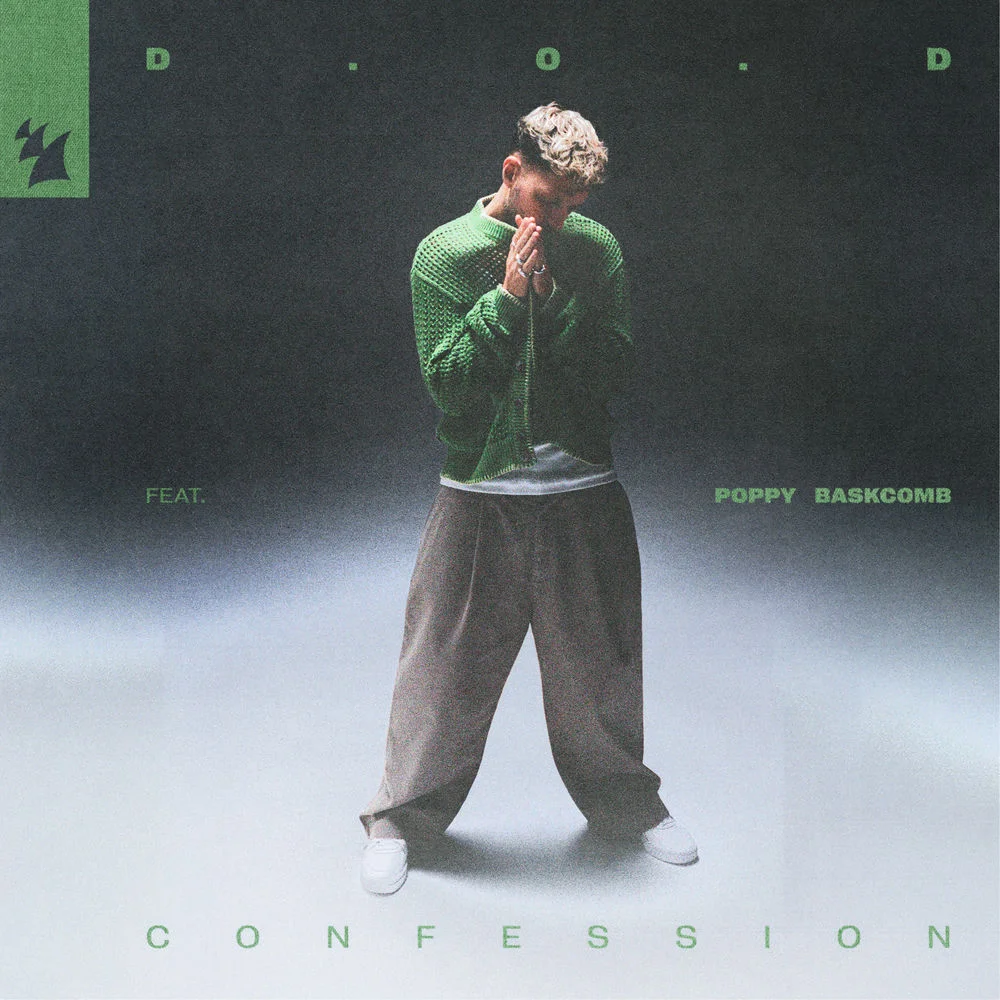
D.O.D, Poppy Baskcomb - Confession (Ableton Remake)
By D.O.D, Poppy Baskcomb · “Confession”
$28.99
Available for Ableton Live, FL Studio, and Logic Pro. Instant download after purchase.
Recreating the infectious energy of Confession by British producer D. O. D featuring UK vocalist Poppy Baskcomb, this Ableton Live Remake captures the high‑impact dance/pop groove that defines the original. Released on February 6, 2026 on Armada Music, the track runs at 128 BPM in the key of A minor, blending punchy house rhythms with bright melodic hooks and catchy vocal elements that keep the dancefloor moving. Project Details: File size: 47.5 MB DAW: Ableton Live 11.1.6 Suite, or higher. VST
What you can inspect inside
Good fit if you want to learn
- Study a finished pop arrangement from intro to outro
- Compare drums, bass, hooks, transitions, and automation in context
- Reuse the production decisions as references for original tracks
- Style
- Pop
- Compatibility
- Ableton Live, FL Studio, Logic Pro
- Study level
- Beginner-friendly study
Pop study path
Pair this D.O.D, Poppy Baskcomb reference with two similar pop templates to compare arrangement, sound choice, and mix balance across multiple productions.
Not sure this is the right reference?
Choose this if you want to study pop arrangement, sound selection, and mix decisions from a finished project.
Compare two or three templates in the same style when you want patterns, not a single recipe.
Start with the audio preview and compatibility notes, then use the project file as an educational reference.
What this template includes
D.O.D, Poppy Baskcomb - Confession (Ableton Remake) is a ready-to-open project file built to show how the track's arrangement, instrumentation, and mix come together inside a working DAW session.
- What it is
- A Pop template recreating the style of D.O.D, Poppy Baskcomb. Compatible with Ableton Live, FL Studio, and Logic Pro.
- Who it's for
- Producers studying Pop production techniques — arrangement structure, sound selection, and mixing decisions you can apply to your own tracks.
- What is included
- Complete project files with arrangement, MIDI patterns, audio stems, automation, and mixing chains. Instant download with full commercial license.
Template study checklist
How to study it
Start with the arrangement markers, then mute groups one by one to understand how drums, bass, hooks, transitions, and effects create the final energy curve.
Compatible DAWs
Abletonic templates are organized as DAW project files for Ableton Live, FL Studio, and Logic Pro where available, with supporting audio, MIDI, presets, and production notes.
License and usage
Use the template as an educational production reference, then apply the arrangement, sound-design, and mixing decisions to original tracks under the product license.